Guide
GetResponse: Complete Guide to Email Marketing, Automation, and Lead Generation
Deals Stacks
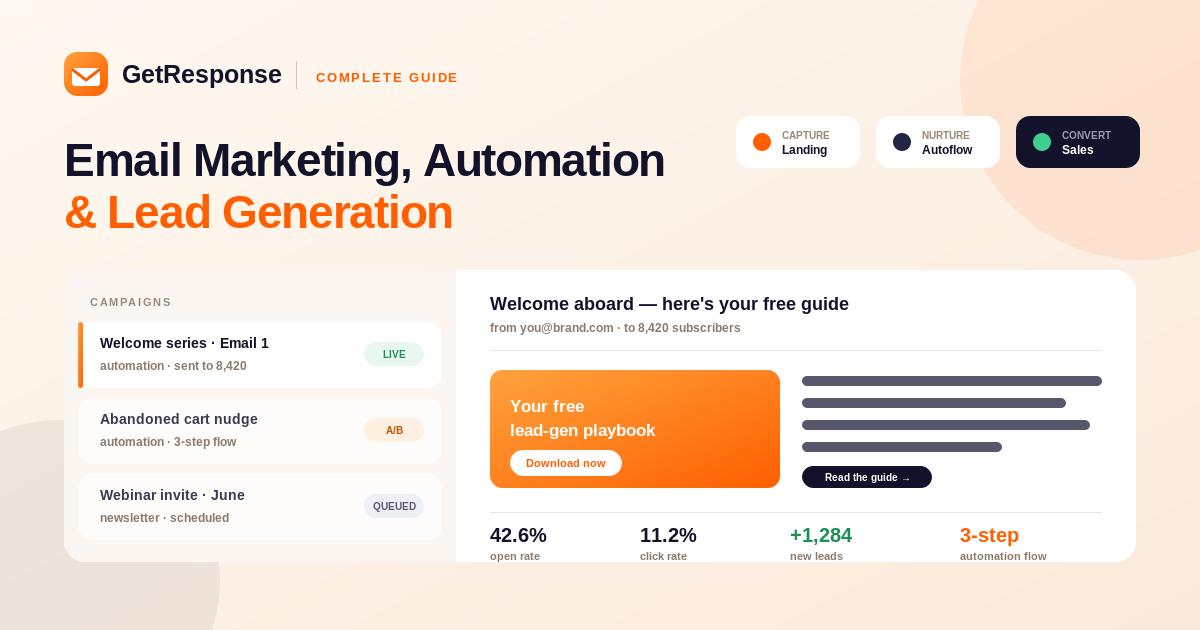
GetResponse: Complete Guide to Email Marketing, Automation, and Lead Generation
Email marketing is still an important part of digital marketing. Businesses use it to communicate with customers, nurture leads, promote products, share content, and drive conversions. However, managing email campaigns, landing pages, automation, forms, and analytics separately can become time-consuming.
GetResponse brings many of these marketing activities together in one platform. It provides tools for email marketing, marketing automation, landing pages, forms, conversion funnels, webinars, ecommerce campaigns, and analytics.
This guide explains what GetResponse is, how it works, its key features, benefits, use cases, and how businesses can get started.
What Is GetResponse?
GetResponse is an online marketing platform designed to help businesses manage email marketing and customer journeys.
It can be used to:
Create email campaigns
Build subscriber lists
Automate marketing workflows
Create landing pages
Generate leads
Build conversion funnels
Host webinars
Create signup forms
Manage ecommerce campaigns
Analyze marketing performance
Its all-in-one approach allows businesses to manage several parts of their marketing strategy without relying on a separate tool for every task.
How Does GetResponse Work?
A typical GetResponse workflow can look like this:
Visitor → Landing Page → Signup Form → Contact List → Automated Emails → Lead Nurturing → Conversion
For example, a business can offer a free ebook through a landing page. When a visitor submits their email address, GetResponse can add the contact to a list and trigger a welcome email.
The business can then automatically send additional educational or promotional emails based on the subscriber’s behavior.
Key Features of GetResponse
1. Email Marketing
Email marketing is one of GetResponse’s core features.
Users can create:
Newsletters
Promotional campaigns
Welcome emails
Product announcements
Event invitations
Educational sequences
Automated messages
The visual email editor makes it possible to create campaigns without needing advanced coding knowledge.
2. Marketing Automation
GetResponse allows users to create automated customer journeys.
A simple workflow might look like:
New subscriber → Welcome email → Wait → Educational email → Product offer
Automation can also respond to customer behavior.
For example:
Subscriber clicks a product link → Send related offer
This helps businesses provide more relevant communication while reducing repetitive manual work.
3. Landing Pages
GetResponse includes landing-page tools for lead generation and marketing campaigns.
A landing page can contain:
Headlines
Images
Text
Forms
Buttons
Product information
Calls to action
Businesses can connect landing pages directly with their email lists and automation workflows.
4. Signup Forms and Popups
Forms and popups can be used to collect visitor information.
For example:
“Subscribe and Get Our Free Marketing Guide.”
Once a visitor submits the form, the contact can enter a specific marketing list and receive an automated welcome message.
5. Conversion Funnels
GetResponse provides tools for building marketing funnels.
A funnel can connect multiple stages:
Landing Page → Signup → Email Sequence → Offer → Conversion
This is useful for businesses that want to manage lead generation and nurturing from one platform.
6. Webinars
GetResponse also provides webinar functionality.
Businesses and creators can use webinars for:
Online training
Product demonstrations
Educational events
Lead generation
Customer onboarding
Live presentations
Webinar registrations can be connected to email campaigns and automated follow-ups.
7. Ecommerce Marketing
GetResponse can also support ecommerce marketing workflows.
Businesses can use customer and shopping behavior to create campaigns around:
Abandoned carts
Product recommendations
Previous purchases
Customer segments
Promotions
Price drops
Repeat purchases
This can help online stores create more personalized customer journeys.
8. AI Marketing Tools
GetResponse includes AI-powered features that can help marketers create and optimize campaigns.
AI can assist with tasks such as:
Generating email content
Creating subject lines
Developing campaign ideas
Creating marketing copy
Supporting audience segmentation
Analyzing campaign performance
These tools can reduce the amount of time required to create marketing content.
9. Analytics and Reporting
Marketing performance should be measured after every campaign.
GetResponse provides analytics that can help users monitor:
Email opens
Clicks
Conversions
Subscriber activity
Automation performance
Campaign results
Ecommerce-related performance
These insights can help marketers identify what works and improve future campaigns.
Who Should Use GetResponse?
Small Businesses
Small businesses can use GetResponse to manage email marketing, lead generation, and automation without combining multiple marketing platforms.
Ecommerce Businesses
Online stores can use automation and customer behavior to create personalized campaigns and encourage repeat purchases.
Creators
Creators can build subscriber lists, send newsletters, promote digital products, and nurture their audience.
SaaS Companies
SaaS businesses can use email automation for lead nurturing, product education, onboarding, and customer communication.
Marketing Agencies
Agencies can use GetResponse to create and manage email and automation campaigns for clients.
Benefits of GetResponse
All-in-One Platform
Email marketing, automation, landing pages, forms, funnels, and webinars can be managed from one place.
Automated Customer Journeys
Businesses can automatically communicate with customers based on their actions.
Strong Lead Generation
Landing pages, forms, popups, and funnels help turn website visitors into leads.
Personalization
Segmentation and behavioral automation allow businesses to send more relevant messages.
Ecommerce Support
Online stores can create campaigns based on shopping and customer behavior.
Analytics
Performance data helps marketers make better campaign decisions.
How to Get Started With GetResponse
Step 1
Create your GetResponse account.
Step 2
Create or import your contact list.
Step 3
Create your first email campaign.
Step 4
Design a signup form or landing page.
Step 5
Connect new leads to your contact list.
Step 6
Create a welcome automation.
Step 7
Build an email nurturing sequence.
Step 8
Create customer segments.
Step 9
Launch your campaign.
Step 10
Review analytics and optimize your results.
Example Marketing Workflow
Imagine an online business selling digital courses.
The workflow could be:
Visitor arrives at landing page
↓
Downloads a free guide
↓
Email address is collected
↓
Welcome email is sent
↓
Educational emails are delivered
↓
Course recommendation is sent
↓
Customer purchases course
↓
Post-purchase email is sent
This workflow can be automated so the business doesn’t need to manually manage every subscriber.
GetResponse for Ecommerce
GetResponse can be especially useful for online stores.
A store can use email automation to send:
Welcome Emails
Introduce new subscribers to the brand.
Abandoned Cart Emails
Remind shoppers about products they left behind.
Product Recommendations
Suggest products based on customer interests or behavior.
Price Drop Messages
Notify interested shoppers when selected products become cheaper.
Post-Purchase Emails
Follow up after a customer completes an order.
Re-Engagement Campaigns
Reconnect with customers who haven’t interacted with the business recently.
Best Practices
Segment Your Audience
Don’t send every campaign to your entire database. Use customer information and behavior to create relevant groups.
Keep Emails Focused
Each email should have a clear purpose and call to action.
Test Before Sending
Check links, images, formatting, personalization, and mobile appearance before launching a campaign.
Use Automation Carefully
Automation should make communication more useful, not make it feel robotic.
Monitor Performance
Review campaign results regularly and use the data to improve future emails.
Keep Subscriber Data Clean
Regularly review inactive or invalid contacts and follow applicable email marketing requirements.
Common Mistakes to Avoid
Sending emails without appropriate permission.
Using misleading subject lines.
Sending too many promotional messages.
Ignoring mobile users.
Creating unnecessarily complicated automation.
Not testing campaigns.
Sending irrelevant content.
Ignoring analytics.
Failing to update product or customer information.
Frequently Asked Questions
What is GetResponse used for?
GetResponse is used for email marketing, marketing automation, lead generation, landing pages, conversion funnels, webinars, ecommerce marketing, and campaign analytics.
Is GetResponse only an email marketing tool?
No. Email marketing is a core feature, but GetResponse also provides automation, landing pages, funnels, webinars, forms, and ecommerce marketing capabilities.
Can GetResponse automate emails?
Yes. Users can create automated workflows based on subscriber actions, conditions, and other triggers.
Can I create landing pages with GetResponse?
Yes. GetResponse provides landing-page tools for lead generation and marketing campaigns.
Is GetResponse good for ecommerce?
Yes. Ecommerce businesses can use features such as customer segmentation, product recommendations, abandoned-cart campaigns, and other automated marketing workflows.
Final Verdict
GetResponse is a versatile marketing platform for businesses that want to combine email marketing, automation, lead generation, landing pages, ecommerce campaigns, webinars, and analytics.
Its biggest advantage is the ability to manage multiple parts of the customer journey from one platform.
For a small business or creator, it can provide the tools needed to start with simple newsletters and gradually move toward automated lead nurturing. For ecommerce businesses, its behavioral marketing and automation capabilities can help create more personalized customer experiences.
Overall, GetResponse is a strong option for businesses looking for an all-in-one email marketing and marketing automation platform rather than a basic newsletter tool.


