Guide
Hubstaff: Complete Guide to Employee Time Tracking and Workforce Management
Deals Stacks
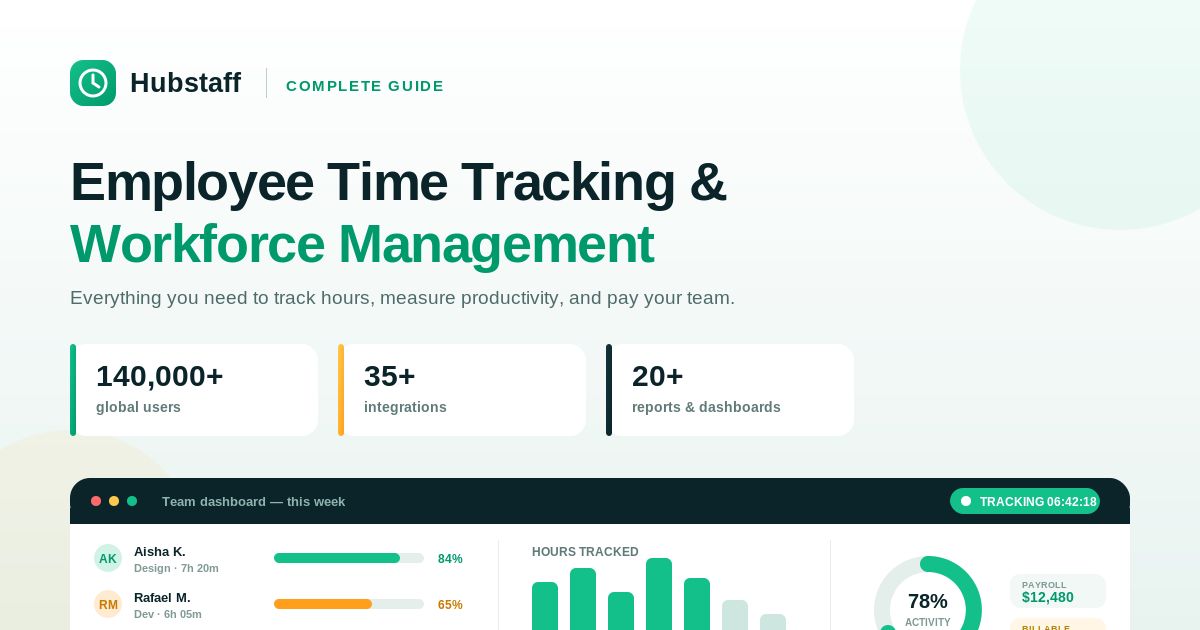
Hubstaff: Complete Guide to Employee Time Tracking and Workforce Management
Managing employees has become more challenging as businesses increasingly operate with remote, hybrid, and distributed teams. Employers need accurate ways to track working hours, monitor project progress, manage payroll, and improve team productivity without creating unnecessary administrative work.
Hubstaff is a workforce management and employee time-tracking platform designed to help businesses monitor work hours, manage projects, automate payroll, and improve operational efficiency.
Whether you run a small business, manage freelancers, operate a digital agency, or oversee a large remote workforce, Hubstaff provides tools that help teams stay organized while giving managers better visibility into daily work activities.
This guide explains everything you need to know about Hubstaff, including its features, benefits, use cases, pricing considerations, advantages, and limitations.
What Is Hubstaff?
Hubstaff is a cloud-based workforce management platform that combines time tracking, employee monitoring, productivity reporting, project management, GPS tracking, payroll automation, scheduling, and team management in one platform.
Instead of manually collecting timesheets or calculating employee hours, businesses can use Hubstaff to automatically record work time and generate reports.
The platform is used by:
Small businesses
Remote companies
Marketing agencies
Software development teams
Consulting firms
Construction companies
Field service businesses
Freelancers
Virtual assistants
Hubstaff supports organizations that want better visibility into how work is completed while simplifying administrative tasks.
How Does Hubstaff Work?
Hubstaff allows employees to track time while working on projects.
Managers can:
View employee work hours
Monitor project progress
Generate productivity reports
Review timesheets
Approve payroll
Analyze team performance
Instead of relying on handwritten timesheets or spreadsheets, Hubstaff automatically records working hours and organizes them into reports.
Key Features of Hubstaff
1. Time Tracking
Time tracking is Hubstaff’s core feature.
Employees can start a timer when they begin work and stop it when they finish.
This creates accurate records of:
Working hours
Project time
Task duration
Billable hours
Client work
Accurate time tracking helps businesses improve billing, payroll, and productivity.
2. Timesheets
Hubstaff automatically creates digital timesheets.
Managers can review:
Daily hours
Weekly hours
Overtime
Attendance
Breaks
Digital timesheets reduce manual paperwork and improve payroll accuracy.
3. Employee Productivity Monitoring
Hubstaff provides productivity insights that help managers understand how teams spend their working time.
Depending on account settings, managers can review:
Activity levels
Time spent on projects
Completed work
Productivity reports
The goal is to improve efficiency rather than simply measure hours worked.
4. Project Management
Hubstaff allows businesses to organize work by projects.
Managers can:
Create projects
Assign team members
Track project hours
Monitor budgets
Analyze project costs
This makes it easier to understand where company resources are being used.
5. Payroll Automation
Hubstaff can simplify payroll by calculating employee work hours automatically.
Businesses can use tracked hours to:
Calculate wages
Review payments
Generate payroll reports
Pay contractors
Automating payroll reduces calculation errors and saves administrative time.
6. Employee Scheduling
Managers can create employee schedules directly inside Hubstaff.
Schedules help businesses:
Assign shifts
Plan workloads
Avoid scheduling conflicts
Track attendance
This is especially useful for businesses with multiple teams.
7. GPS Location Tracking
For businesses with mobile employees, Hubstaff includes GPS tracking.
This feature is useful for:
Delivery companies
Field technicians
Construction teams
Cleaning services
Home healthcare
Managers can verify job locations while employees record working time.
8. Productivity Reports
Hubstaff generates reports that help businesses understand team performance.
Reports may include:
Hours worked
Project progress
Team productivity
Budget tracking
Payroll summaries
Reports help managers make informed business decisions.
9. Project Budgeting
Businesses can create budgets for projects and monitor spending.
Managers can compare:
Estimated hours
Actual hours
Labor costs
Project profitability
Budget tracking helps prevent overspending.
10. Integrations
Hubstaff integrates with many popular business tools, including:
Project management software
Accounting software
Communication platforms
CRM systems
Calendar applications
Integrations reduce manual data entry and improve workflow efficiency.
Benefits of Using Hubstaff
Accurate Time Tracking
Employees record actual working hours instead of estimating them later.
Better Project Visibility
Managers know how much time projects require.
Easier Payroll
Automated calculations reduce payroll errors.
Improved Productivity
Reports help identify workflow improvements.
Remote Team Management
Managers can supervise distributed teams more effectively.
Better Client Billing
Businesses can bill clients using tracked project hours.
Workforce Transparency
Employees and managers have clear records of work completed.
Who Should Use Hubstaff?
Hubstaff is suitable for:
Small Businesses
Track employee hours without manual spreadsheets.
Marketing Agencies
Measure time spent on client projects.
Software Development Teams
Track development hours across multiple projects.
Consultants
Record billable client hours.
Freelancers
Monitor personal productivity and bill clients accurately.
Construction Companies
Track field employees using GPS and time tracking.
Remote Teams
Manage employees working from different locations.
Hubstaff Pricing
Hubstaff offers multiple pricing plans with different features.
Plans typically vary based on:
Number of users
Time tracking features
Payroll tools
Reporting
Scheduling
GPS tracking
Integrations
Because pricing changes over time, always review the latest plans on Hubstaff’s official website before purchasing.
Advantages
Easy time tracking
Accurate digital timesheets
Payroll automation
Project budgeting
Employee scheduling
Productivity reporting
GPS tracking
Strong integrations
Remote workforce management
Cloud-based platform
Limitations
Although Hubstaff offers many useful features, businesses should also consider:
Some monitoring features may not be appropriate for every workplace.
Advanced features are available only on higher-tier plans.
Employees should clearly understand how tracking is used to maintain transparency.
Organizations should ensure their use of monitoring tools complies with applicable privacy laws and company policies.
Best Practices for Using Hubstaff
To get the most value from Hubstaff:
Explain tracking policies clearly to employees.
Track time consistently.
Organize projects properly.
Review productivity reports regularly.
Monitor project budgets.
Verify payroll before processing payments.
Use integrations to streamline workflows.
Focus on improving productivity rather than micromanaging employees.
Frequently Asked Questions
Is Hubstaff good for remote teams?
Yes. Hubstaff is designed to help businesses manage remote, hybrid, and distributed teams through time tracking, productivity reporting, scheduling, and project management.
Can Hubstaff track employee work hours?
Yes. Employees can record work hours using Hubstaff’s time-tracking tools, allowing managers to review accurate timesheets.
Does Hubstaff support payroll?
Yes. Hubstaff includes payroll-related features that can use tracked work hours to simplify payment calculations.
Is Hubstaff suitable for freelancers?
Yes. Freelancers can use Hubstaff to track billable hours, monitor productivity, and create accurate client invoices based on recorded time.
Can Hubstaff track field employees?
Yes. Hubstaff offers GPS tracking features that can help businesses manage employees working outside the office, depending on plan and configuration.
Does Hubstaff integrate with other software?
Yes. Hubstaff integrates with many popular business applications, helping organizations connect their existing workflows.
Conclusion
Hubstaff is much more than a simple time tracker. It combines employee time tracking, workforce management, project monitoring, payroll automation, scheduling, reporting, and productivity insights into a single platform.
For businesses managing remote, hybrid, or field-based teams, Hubstaff can simplify daily operations by reducing manual administrative work and providing greater visibility into projects and employee activity.
While the platform offers powerful monitoring and reporting features, organizations should use them responsibly, communicate their tracking practices clearly, and ensure compliance with applicable privacy and employment requirements.
Whether you’re a freelancer tracking billable hours, a growing agency managing multiple client projects, or a company overseeing a distributed workforce, Hubstaff provides the tools needed to improve organization, efficiency, and accountability.


