Guide
Tidio: Complete Guide to AI Customer Service, Live Chat, and Automation
Deals Stacks
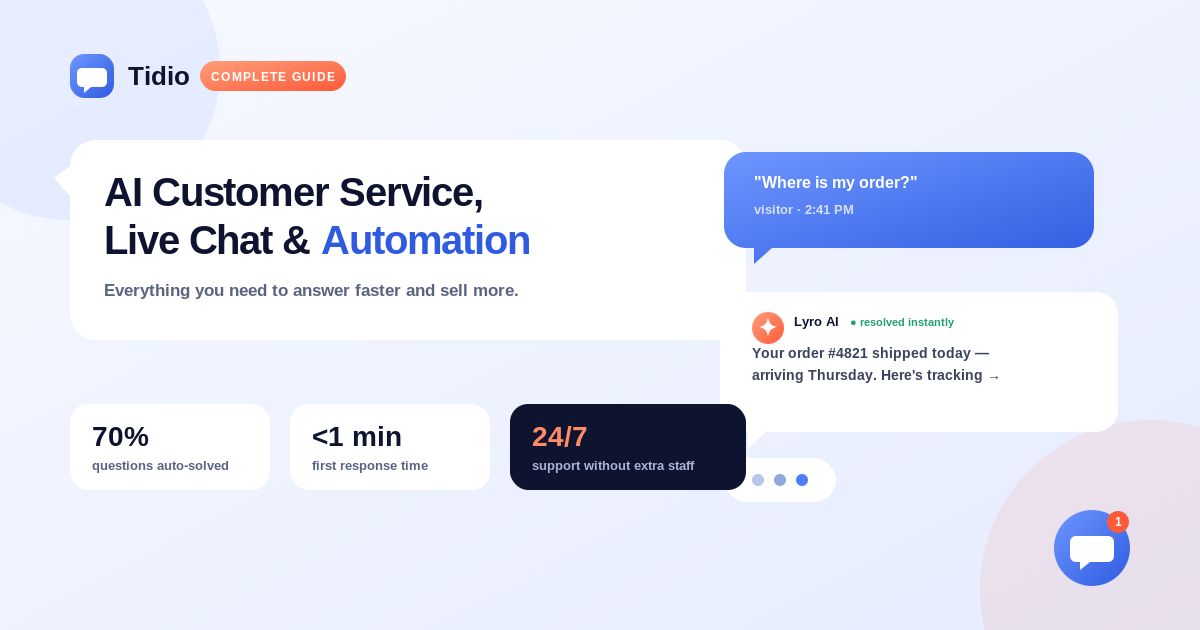
Tidio: Complete Guide to AI Customer Service, Live Chat, and Automation
Customer expectations are changing quickly. People want fast answers, simple communication, and support whenever they need it. For businesses, keeping up with every customer question can become difficult, especially when support teams have to handle repetitive requests every day.
Tidio is an AI customer service platform designed to help businesses manage customer conversations, provide live support, automate repetitive tasks, and generate leads. It combines Live Chat, Help Desk, Flows, and Lyro AI Agent in one platform.
This guide explains what Tidio is, how it works, its main features, pricing, benefits, use cases, and how businesses can use it to improve customer service.
What Is Tidio?
Tidio is a cloud-based customer service platform that brings live chat, AI-powered support, automation, ticketing, and customer communication together.
Businesses can use Tidio to communicate with customers through:
Website live chat
Email
WhatsApp
Instagram
Messenger
Tidio provides a shared environment where support teams can manage conversations without constantly switching between different platforms.
How Does Tidio Work?
Tidio works by combining human support with automation and AI.
A typical workflow looks like this:
Customer visits website → Live Chat/AI responds → Common questions are automated → Complex issues go to an agent → Conversation is tracked → Team analyzes results
This approach allows support teams to spend less time answering repetitive questions and more time handling issues that require human attention.
Key Features of Tidio
1. Lyro AI Agent
Lyro is Tidio’s conversational AI agent designed specifically for customer service.
It can answer customer questions using information from your support knowledge and can hand conversations over to human agents when needed. Tidio says Lyro can handle a significant portion of repetitive support conversations.
Lyro can help with tasks such as:
Answering FAQs
Providing product information
Handling support questions
Qualifying leads
Checking order information
Recommending products
For eCommerce businesses, Lyro can also connect with product information to provide recommendations based on available products.
2. Live Chat
Tidio’s Live Chat allows businesses to communicate with website visitors in real time.
Features include:
Live typing preview
Saved responses and macros
Visitor monitoring
Chat transcripts
Pre-chat surveys
File attachments
Customer satisfaction tracking
Automatic chat assignment
You can also see which pages visitors are browsing, which can help agents start more relevant conversations.
3. Help Desk
Tidio includes help desk functionality for managing customer requests and support tickets.
Instead of keeping customer issues inside individual chat conversations, teams can organize requests as tickets and manage them through a centralized workflow.
This is useful when an issue requires follow-up or cannot be solved immediately.
4. Flows
Flows are Tidio’s no-code automation tools.
They allow businesses to create automated customer journeys without needing advanced programming skills.
You can use Flows for:
Lead generation
Welcome messages
FAQ automation
Cart recovery
Product recommendations
Promotions
Customer surveys
Post-purchase communication
This makes Tidio useful for both customer support and marketing automation.
5. Multichannel Support
Tidio can bring multiple communication channels into one workspace.
Supported channels include:
Live Chat
Email
Instagram
Messenger
WhatsApp
This gives support teams a central place to manage customer conversations.
6. Shopify Features
Tidio offers deeper functionality for Shopify stores.
Depending on the setup, support teams can access information such as:
Customer carts
Order history
Product information
Product recommendations
Teams can also perform certain order-related actions directly through the conversation interface.
This can be particularly useful for eCommerce businesses that want to combine customer support with sales assistance.
7. Analytics
Tidio provides analytics to help businesses understand their customer support performance.
You can use analytics to monitor areas such as:
Customer interactions
Support activity
Agent performance
Customer satisfaction
AI resolution
Conversation trends
Analytics can help businesses identify where customers need the most assistance and where automation can save time.
8. Integrations
Tidio integrates with many popular business applications.
Examples include:
Shopify
WordPress
HubSpot
Mailchimp
Zapier
Zendesk
Squarespace
Tidio currently advertises more than 120 integrations across its platform.
Tidio Pricing
Tidio offers multiple plans for businesses with different support requirements.
Its current pricing page lists:
Free — $0/month
Starter — from $24.17/month
Growth — from $49.17/month
Plus — from $300/month plus usage
Premium — custom pricing
Pricing can vary depending on billing frequency, conversation volume, AI usage, and selected features.
Because pricing can change, check Tidio’s official pricing page before making a purchasing decision.
Who Should Use Tidio?
eCommerce Businesses
Tidio is especially useful for online stores that need to answer product questions, recover carts, recommend products, and provide order support.
Small Businesses
Small teams can use AI and automation to handle repetitive questions without needing a large customer service department.
SaaS Companies
Software businesses can use Tidio to answer product questions, qualify leads, and provide customer support.
Agencies
Agencies can use customer communication tools to manage leads and support conversations for their own business or clients.
Service Businesses
Service companies can use Tidio to answer FAQs, capture leads, and automate routine customer requests.
Benefits of Tidio
Faster Customer Support
AI and automation can provide immediate responses to common questions.
Reduced Repetitive Work
Support agents can spend less time answering the same FAQs repeatedly.
Better Lead Generation
Live chat and automated conversations can help capture visitors and turn them into potential customers.
Multichannel Communication
Teams can manage conversations from multiple channels in one environment.
Human + AI Support
Customers can be transferred from AI to human agents when a conversation requires personal assistance.
Easy Automation
Flows allow businesses to build automated customer journeys without extensive coding.
Tidio vs Traditional Live Chat
Traditional live chat generally requires a human agent to answer every conversation.
Tidio adds AI and automation to the process:
Traditional Live Chat:
Customer → Human Agent → Answer
Tidio:
Customer → AI/Automation → Answer → Human Agent if needed
This can make support more scalable, especially when businesses receive many repetitive questions.
How to Get Started With Tidio
A simple setup process is:
Step 1
Create your Tidio account.
Step 2
Install the Tidio chat widget on your website.
Step 3
Customize the widget to match your brand.
Step 4
Connect your communication channels.
Step 5
Create automated Flows.
Step 6
Set up Lyro AI using your support information.
Step 7
Invite support agents.
Step 8
Test conversations and automation.
Step 9
Monitor analytics.
Step 10
Improve your support workflows based on customer behavior.
Best Practices
To get the most from Tidio:
Keep your AI knowledge base accurate.
Review AI conversations regularly.
Create clear escalation rules for human agents.
Use automation for repetitive questions.
Keep important customer support information updated.
Monitor customer satisfaction.
Use analytics to identify common customer problems.
Personalize conversations whenever possible.
Common Mistakes to Avoid
Automating every customer interaction.
Providing outdated information to AI.
Making it difficult to reach a human agent.
Creating overly complicated chatbot flows.
Ignoring customer feedback.
Not reviewing AI conversations.
Failing to test automations before publishing them.
Frequently Asked Questions
What is Tidio used for?
Tidio is used for customer support, live chat, AI assistance, chatbot automation, ticket management, lead generation, and customer communication.
Does Tidio have an AI chatbot?
Yes. Tidio offers Lyro AI Agent, a conversational AI agent for customer service, as well as Flows for rules-based automation.
Does Tidio have live chat?
Yes. Live Chat is one of Tidio’s core features and allows businesses to communicate with website visitors in real time.
Can Tidio work with Shopify?
Yes. Tidio provides Shopify-specific features that allow businesses to access customer carts, order history, product information, and other eCommerce functions during conversations.
Is Tidio a CRM?
Tidio is not a full CRM platform, although it includes some CRM-like customer management features.
Final Verdict
Tidio is a strong option for businesses that want to combine live chat, AI customer service, automation, ticketing, and lead generation in one platform.
Its biggest strength is the combination of human support with AI-powered automation. Businesses can use Lyro for repetitive customer questions, Flows for automated journeys, and Live Chat and Help Desk for conversations that require human assistance.
For eCommerce businesses, Tidio is particularly interesting because of its Shopify capabilities and product-focused customer conversations. For small and growing businesses, its automation features can also help support teams handle more customer requests without increasing manual workload.
Overall, Tidio is best suited to businesses looking for a modern customer service platform that combines AI + automation + human support rather than relying on live chat alone.