ScreenPal
Screen recording, video editing, and visual communication platform for creators and teams.
Overview
ScreenPal Review: Simple Screen Recording and Video Creation Software
Video communication has become essential for businesses, educators, creators, and remote teams. Whether it’s recording tutorials, creating training videos, sharing presentations, or explaining workflows visually, users need simple and reliable video creation tools. ScreenPal is designed to simplify screen recording and video production for users of all skill levels.
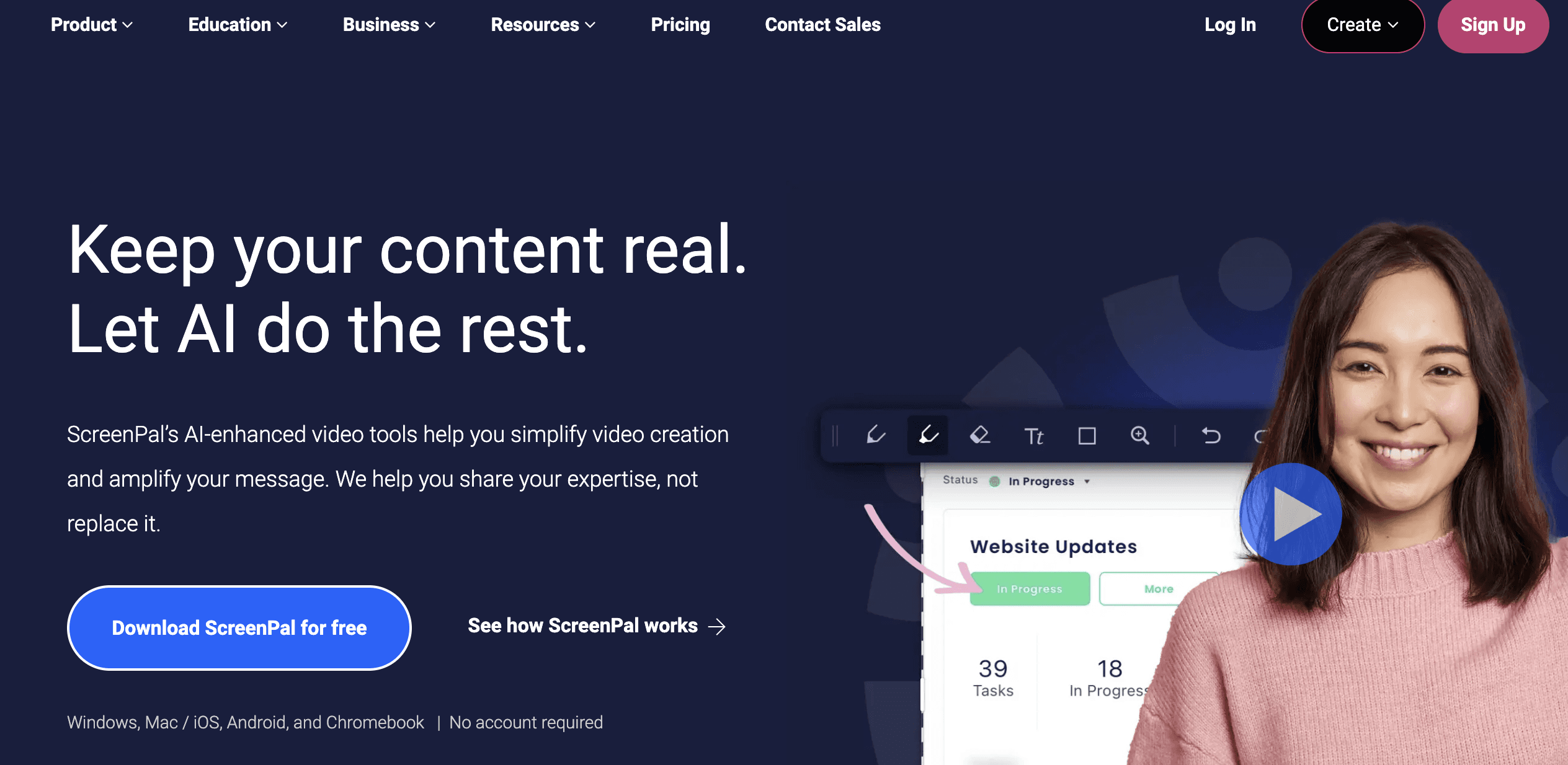
ScreenPal combines screen recording, webcam capture, video editing, hosting, sharing, and collaboration features into one easy-to-use platform for visual communication and content creation.
Key Features
Screen recording tools
Webcam video recording
Built-in video editor
AI-generated captions
Video hosting and sharing
Screenshot capture tools
Audio recording support
Stock media library
Interactive video features
Secure cloud storage
Video collaboration tools
Custom branding options
Annotation and drawing tools
Online video management
Educational content creation
Video trimming and editing
Green screen support
Multi-device accessibility
Team workspace management
Export and publishing options
Tool Information
Pricing
$3/month
Pricing Model
Freemium
Category
Video & Animation
Platform
Web / iOS / Android
Last Updated
Similar Tools


Expedia
Comprehensive online travel platform for booking flights, hotels, vacation packages, car rentals, cruises, and travel experiences.
Expedia is one of the world’s leading online travel platforms, helping travelers search, compare, and book flights, hotels, vacation rentals, car rentals, cruises, activities, and complete travel packages from a single platform. Designed for leisure travelers, business professionals, families, couples, digital nomads, travel agencies, and corporate teams, Expedia combines competitive pricing, bundled travel deals, loyalty rewards, itinerary management, mobile booking, and global travel services into one unified ecosystem, making travel planning faster, easier, and more cost-effective.
Travel & Booking
Free to Use